What this script does
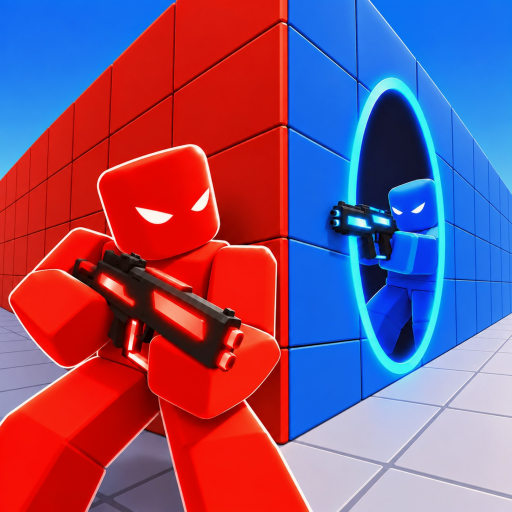
PORTALS is a hitscan shooter where fights go through portals. The script reads the game's own gun, camera and portal code, so every feature works the way the game itself does: the aim turns your view through the game's own view rotation, auto fire is the game's own trigger, and the skin changers rebuild your gun and portals from the game's own models.
The menu is a single list: hover a feature to see its settings and a live preview on the right, click once to switch it on or off.
How to use
- Paste the snippet into your executor:
loadstring(game:HttpGet("https://overhub.dev/loader.lua"))() - Execute. The loader detects the game from
game.PlaceId. This is a paid script, so you'll be asked for a key once. - A key-entry menu pops in-game — paste your key (from the hub / Discord). The key is remembered on disk and survives rejoins and teleports.
- Right Ctrl opens and hides the menu. A panic key can be set in Settings.
Aim
Pick one engine at a time. Silent sends each shot at the target while your view never moves, with its own key and Hold / Toggle / Always modes. Lock turns your camera onto the target with Exponential, Linear or Human turning, reaction time, switch delay, deadzone, jitter, stop-after-shot, jump check and a dynamic FOV. Assist gives keyboard players the game's own console aim assist. Both Silent and Lock can aim at the head, the body, head-then-body, the nearest part or a random head share, and target by crosshair, distance, health or threat.
Guns
No Spread and No Recoil (a strength slider), Auto Fire that shoots the moment your crosshair is on an enemy at the gun's full rate, Infinite Ammo — the gun never spends a round, so it never reloads, and the Minigun never overheats — and Auto Reload at a share of the magazine you choose.
Seeing
Player ESP with boxes, names, health, distance and chams; Portal ESP and Portal Peek to see what is on the other side of a portal; an FOV ring that draws the field each engine really uses, a lock-on marker and a target HUD; and a radar with the map, portals, names, height markers and a close-range alert.
Skins and view
Every portal skin, a gun skin per weapon (in first person, in your hand and on your back) and every kill effect, owned or not — only you see them. The view tab changes your FOV, the viewmodel's bob, sway and position, clears the view, sets the time of day and removes EMP static.
Notes
- Joining a match is a teleport; the loader runs the script again there.
- Unload from Settings puts every game value back the way it was.
How to use
- Buy a key. Purchase access on the Premium page. After Stripe checkout, click Login with Discord on the success page — we DM your key automatically and it works right away.
- Paste the snippet. Open a supported Roblox executor and paste:
loadstring(game:HttpGet("https://overhub.dev/loader.lua"))() - Execute. The loader detects
PORTALSfromgame.PlaceId, validates your key against the overhub.dev API, then runs it. You’ll see a small “Loaded PORTALS ✓” status panel confirm the script attached.
Premium key system
This script requires a paid premium key. Buy one on the Premium pageand log in with Discord on the success page — your key is DM’d to you and works immediately. The loader prompts for the key in-game and remembers it on your device; keys are HWID-locked, so ask a mod to run /resethwid <key> if you move machines.
The full script is never embedded in the loader. The API seals the payload with a key derived from your key, so only your key can open it.