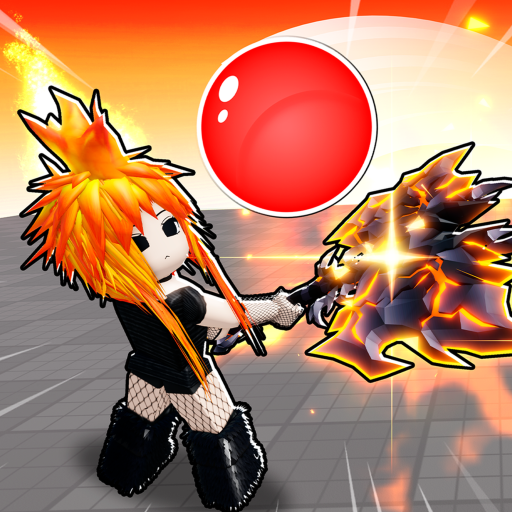
What this script does
Blade Ball is all about parrying the ball the instant it snaps at you. This script does that automatically with the one parry method verified to survive the game's anti-cheat this session: a single VirtualInputManager mouse click per incoming ball — no metatable hooks, no key spam, both of which the game detects and kicks for. On top of that you get a full player ESP suite and live ball prediction, all in one free Lua file — no key.
Paste the one line and run. The loader detects the game from game.PlaceId and pulls the right script — no menus, no file picking.
How to use
- Paste the snippet into your executor:
loadstring(game:HttpGet("https://overhub.dev/loader.lua"))() - Execute. You'll see a small "Loaded Blade Ball ✓" status panel confirm the script attached.
Combat
Auto Parry watches every live ball, auto-detects which player it's targeting at runtime (flicker-proof — nothing is hardcoded), and fires a single center- screen VIM mouse click the moment the ball is approaching you inside the parry range. The range is adjustable (the measured parry window is ~13 studs), and optional ping compensation extends it by your latency so you lead the ball instead of reacting late.
Auto Ability presses your equipped ability key (default Q) the moment it's off cooldown. It uses a VIM key press, which the anti-cheat is more sensitive to, so it ships off by default with a warning — enable at your own risk.
ESP
Full player ESP: 2D boxes, names, distance, health bars, tracers, and chams, with a team-check toggle. The player the ball is currently targeting is drawn in a separate color so you always know who's about to get hit. A max-distance slider caps how far the ESP renders.
Ball prediction
Ball ESP draws the ball itself plus a line from the ball to its current target, so the whole play reads at a glance. Live time-to-impact text shows how many seconds until the ball lands. When the ball is targeting you, a big incoming parry warning shows your seconds-to-impact — your cue to parry (or let Auto Parry handle it).
Colors & tuning
Color pickers for the player ESP, the ball, and the ball's target highlight, plus the max-distance and parry-range sliders — tune it to your setup.
Notes
- No key needed — just paste the one line and run.
- Some servers have Roblox's Byfron / Hyperion anti-cheat; the script is not Byfron-bypassing. Use at your own risk on those servers.
- The script reads
game.PlaceIdon load. If you're testing in a private server, setscript_name = "bladeball"before loadstring to force the right script.
How to use
- Buy a key. Purchase access on the Premium page. After Stripe checkout, the success page shows your order number; run
/activatein Discord with that order number to claim your key. - Paste the snippet. Open a supported Roblox executor and paste:
loadstring(game:HttpGet("https://overhub.dev/loader.lua"))() - Execute. The loader detects
Blade Ballfromgame.PlaceId, validates your key against the overhub.dev API, then runs it. You’ll see a small “Loaded Blade Ball ✓” status panel confirm the script attached.
Premium key system
This script requires a paid premium key. Buy one on the Premium page, then use the returned order number with /activate in Discord to claim your key. The loader prompts for the key in-game and remembers it on your device; keys are HWID-locked, so ask a mod to run /resethwid <key> if you move machines.
The full script is never embedded in the loader. The API seals the payload with a key derived from your key, so only your key can open it.